

CreateSC is USC's premier UI/UX design-a-thon, where teams of 1–4 students come together to design digital solutions to real-world challenges – brought to you by Innovative Design @ USC.
This year, we are inviting students to Design Against Efficiency, and explore what we can create when we craft experiences that are worth exploring and returning to.
Join us on April 11th at 11 AM PST for an action-packed two days of speaker events, professional development workshops, and 24 hours of hands-on design competition!
Bring a product concept to life through high-fidelity screens and thoughtful UI.
Design an experience that moves, responds, and actually runs in the browser.
Collaborate with AI to build something that couldn’t exist any other way.

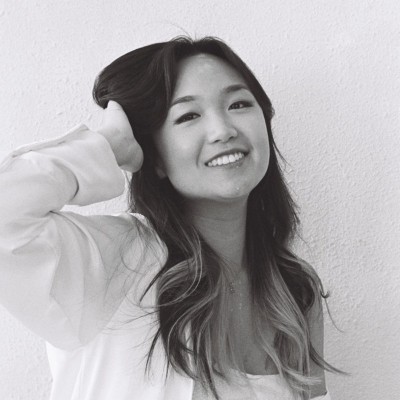
Protecting Your Peace as a Designer
For designers lost in the noise: about being rooted in who you already are, not who the industry thinks you should be – and how to protect your creativity in a world that never shuts up.

Figma Make 101
The practical intro: what Figma Make actually does, and how to ask it for what you want – getting past the blank prompt box and into work that feels intentional.
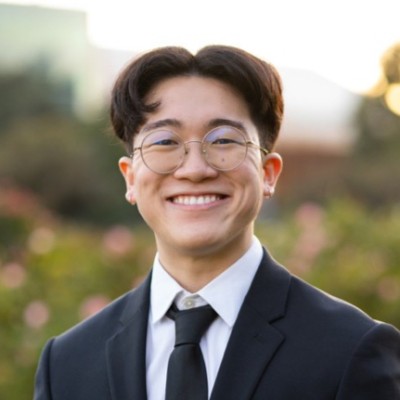
The Full Stack of Framer
Learn how to use the Framer community as a launchpad, not a shortcut. Components, community files, animations, interactions – and how they stack into something that’s distinctly you.
Check back for more updates in the coming days...